Article notes
Notes, guides, and personal discoveries from things I build, enjoy, and learn.
AI is making developers faster.
It is not making software exact.
That distinction matters more now than it did a year ago. When AI suggests code, rewrites a function, updates a test, or patches a bug, it is not retrieving truth from a perfect internal model. It is generating the most probable next output based on patterns.
Sometimes that output is excellent.
Sometimes it is subtly wrong while sounding extremely confident.
That is why I do not think the modern response to AI-assisted development is “trust the tool more.” I think the response is “tighten the system around the tool.”
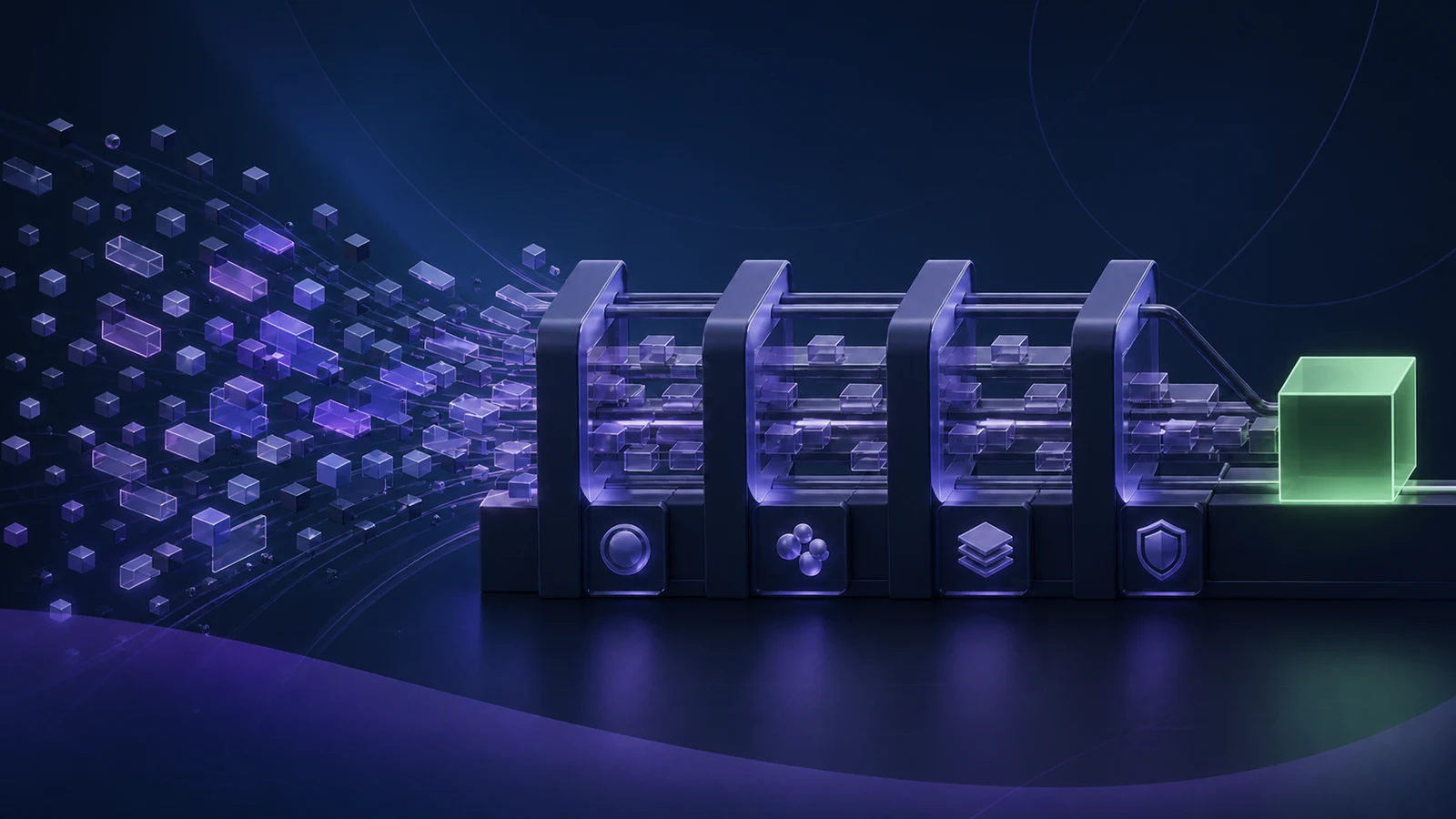
If AI is probabilistic, then your delivery process should be more explicit, more automated, and more verifiable than before.
Why AI changes the risk profile
Before AI entered the daily workflow, most mistakes still came from humans, but they came at a more predictable pace. A developer had to write the code, read the code, and usually feel the friction of building the thing step by step.
AI changes that pacing.
Now a developer can:
- Generate a refactor in minutes
- Touch files they did not originally plan to edit
- Accept patterns that look familiar without fully re-evaluating the edge cases
- Create a larger change set than they would normally write by hand in one pass
That is not inherently bad. In fact, it is often useful. The problem is that the same acceleration applies to mistakes, regressions, and half-correct assumptions.
The failure mode I worry about most is not obvious nonsense. It is plausible code. Code that compiles. Code that looks reasonable in review. Code that even passes a quick manual click-through. But it quietly changes behavior, skips an edge case, or breaks a flow nobody retested.
That is exactly where automation earns its place.
ESLint is no longer just style enforcement
A lot of teams still talk about ESLint as if it were mainly about formatting arguments or personal preference. That is much too small a view, especially in an AI-heavy workflow.
When AI touches a codebase, linting becomes an immediate structural filter.
A strong ESLint setup can catch:
- Unsafe patterns the model introduces because they are statistically common, not contextually correct
- Invalid imports or unused branches left behind during large generated edits
- Accessibility mistakes in UI code
- Inconsistent naming, dead code, and maintainability drift
- Framework-specific mistakes that are easy to miss in review
That first layer matters because it is fast. ESLint gives you feedback almost immediately, which means you can reject bad output before it reaches a pull request, a teammate, or a deployment pipeline.
I still like linting because it removes review noise, but with AI in the loop I value it even more as a trust filter. It narrows the gap between “this looks fine” and “this at least satisfies the baseline rules of this codebase.”
If you want a practical starting point for that layer, I built @santi020k/eslint-config-basic as the base package of a newer composable ESLint toolkit. The goal is to make strong linting defaults easier to adopt in real JavaScript and TypeScript projects without turning setup into its own side quest. The full docs live at eslint.santi020k.com.
If you are already thinking about standards at the team level, my post on Code Standards That Scale With a Team is the larger argument for why tooling should own the repetitive quality checks.
Unit and integration tests protect behavior, not just code
The next layer is tests.
AI is very good at producing code that resembles the pattern you asked for. It is much less reliable at preserving every behavioral assumption that lived around that code before the change.
That is why I do not want tests framed as paperwork or ceremony. I want them framed as executable expectations.
Good tests answer questions such as:
- Does the branching logic still behave the same way?
- Did the bug fix actually fix the bug?
- Did the refactor preserve the public contract?
- Did the edge case that mattered last month just quietly disappear?
This becomes even more important when AI is asked to “clean up,” “simplify,” or “make this more reusable.” Those prompts often produce code that is cleaner on the surface while subtly changing the original behavior.
Unit and integration tests reduce the need to guess. They turn “I think this still works” into “the expected behavior was exercised and verified.”
That is also why I prefer testing behavior over implementation detail. If the tests are brittle, AI-generated changes will cause useless churn. If the tests are aligned with observable behavior, they become a stable guardrail for both human and AI-authored changes.
For a practical example of that mindset, Testing React Components with Vitest and React Testing Library explains why I prefer behavior-focused coverage instead of implementation-driven assertions.
Snapshots are useful when they watch the right surface
Snapshots get misused all the time, but I still think they have value.
The mistake is treating snapshots as a blanket replacement for thoughtful tests. When teams snapshot everything without intent, the result is usually noise. People stop reading the diffs and start approving changes mechanically.
That is not a snapshot problem. That is a discipline problem.
Used well, snapshots are a fast regression alarm for stable output surfaces such as:
- Serialized API responses or transformation results
- Generated configuration objects
- Component output that should remain structurally consistent
- Visual baselines in controlled UI states
In an AI-assisted workflow, snapshots are especially helpful because models often make small structural changes that feel harmless in the moment. A renamed wrapper, a reordered output shape, or an extra field can easily slip through if nobody is looking closely enough.
Snapshots make those changes visible.
I do not want them everywhere. I do want them where unexpected drift is expensive.
End-to-end tests protect the flows that matter most
ESLint is fast. Unit tests are focused. Snapshots are useful alarms. But none of them fully replace end-to-end testing.
The reason is simple: users do not experience your system one function at a time.
They experience flows.
They log in. They submit a form. They recover a password. They complete a purchase. They publish content. They connect two parts of the product that your architecture may treat as separate concerns.
AI can easily generate code that looks correct within a file while still breaking the flow across routing, state, APIs, permissions, or browser behavior.
That is why end-to-end tests matter so much right now. They verify that the system still behaves like a user expects after a machine helped rewrite part of it.
I would not try to cover every screen with E2E tests. That becomes slow and expensive. But I absolutely want them around the critical paths:
- Authentication
- Checkout or conversion flows
- Content creation and editing
- Permission-sensitive actions
- High-value bug regressions
Those are the places where a “small” AI-generated mistake becomes a real business problem.
Automation increases safety and speed at the same time
Some teams still treat automation as if it were a tax on speed.
I think that is backward.
The right automations increase speed because they reduce hesitation. When I know ESLint is running, the tests are meaningful, snapshots will flag unexpected drift, and end-to-end checks protect the highest-risk flows, I can move faster with less anxiety.
That matters even more for bug fixes.
Bug fixes are exactly where confidence can become fake confidence. The change is often urgent, the scope feels small, and AI can produce a plausible patch quickly. That is a good setup for shipping a fix that introduces a second bug next to the first one.
Automation lowers that risk by giving the team quick evidence:
- The code still matches baseline standards
- The intended behavior still works
- The output did not drift in a surprising way
- The critical user flow still completes successfully
That is not bureaucracy. That is leverage.
The workflow I want teams to automate now
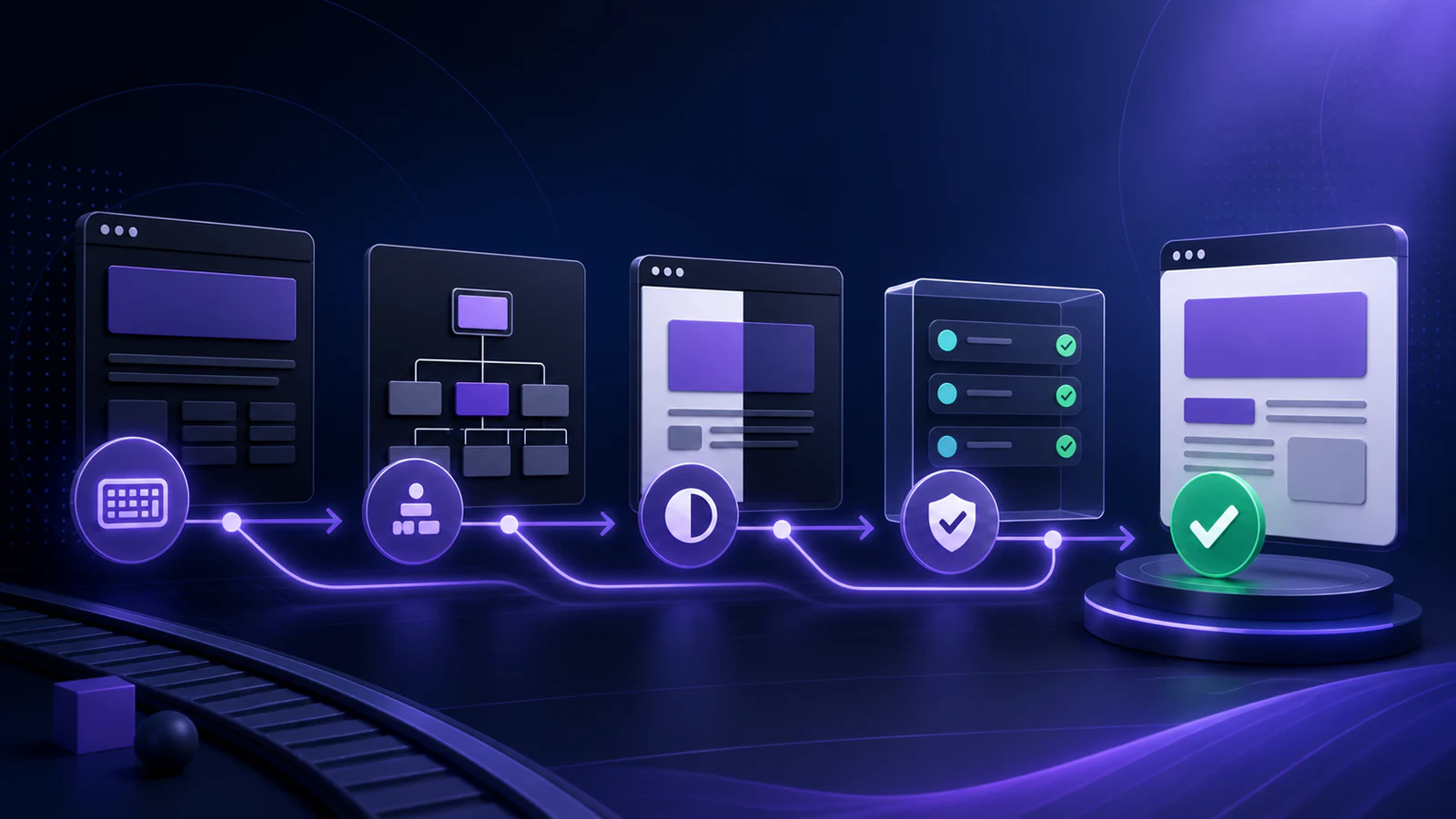
If a team is using AI regularly, I think the minimum healthy setup should look something like this:
- Run ESLint and targeted tests locally while changes are still small.
- Run the full lint, test, snapshot, and type-check pipeline in CI.
- Run end-to-end checks for critical flows before merge or release.
- Keep the automation results visible enough that nobody has to guess what was actually verified.
I also like local guardrails such as pre-commit or pre-push hooks for fast feedback, as long as they stay practical. Development Workflow with Husky for Next.js, ESLint, and Vitest Integration is still a good example of how to make that verification part of the workflow instead of a last-minute cleanup step.
AI is an accelerator, not a substitute for engineering judgment
I use AI. I expect most teams to keep using it. I do not think the answer is resisting it.
I do think we should be honest about what it is.
It is a probabilistic assistant that can be incredibly helpful and occasionally wrong in ways that are polished enough to be dangerous.
That means the real competitive advantage is not just generating more code. It is building a delivery system that can absorb that speed without becoming fragile.
ESLint, tests, snapshots, and end-to-end checks are not old habits that AI made irrelevant. They are the reason AI can be used responsibly in the first place.
If your tooling makes good behavior the easiest behavior, AI becomes much more useful. If not, it just helps you create regressions faster.
The santi020k way
A running set of principles on ownership, review quality, code clarity, responsive thinking, and releases that do not rely on heroics.
- 1Part 1Skin in the Game for Software Teams
- 2Part 2Common Code Pitfalls That Signal Maintenance Risk
- 3Part 3Avoid Magic Strings in TypeScript and JavaScript
- 4Part 4Write Better Review Feedback with Conventional Comments
- 5Part 5Git Best Practices for Calm Collaboration
- 6Part 6Responsive Design Standards That Scale Across Components
- 7Part 7Code Standards That Scale With a Team
- 8Part 8A Release Process That Reduces Drama
- 9Part 9Avoid Inverted Conditionals When Clarity Matters
- 10Part 10AI Coding Is Probabilistic. Your Delivery Process Should Not Be.
- 11Part 11Muted Commands Make AI Automation Faster and Cheaper
- 12Part 12Why Developer Experience Work Should Be Measured Like Product Work
- 13Part 13What Changed When I Started Writing Architecture Notes Every Month
- 14Part 14How I Built the santi020k Developer Tool Ecosystem
Comments
Powered by GitHub Discussions — sign in with GitHub to join the conversation, orreply on GitHub.